
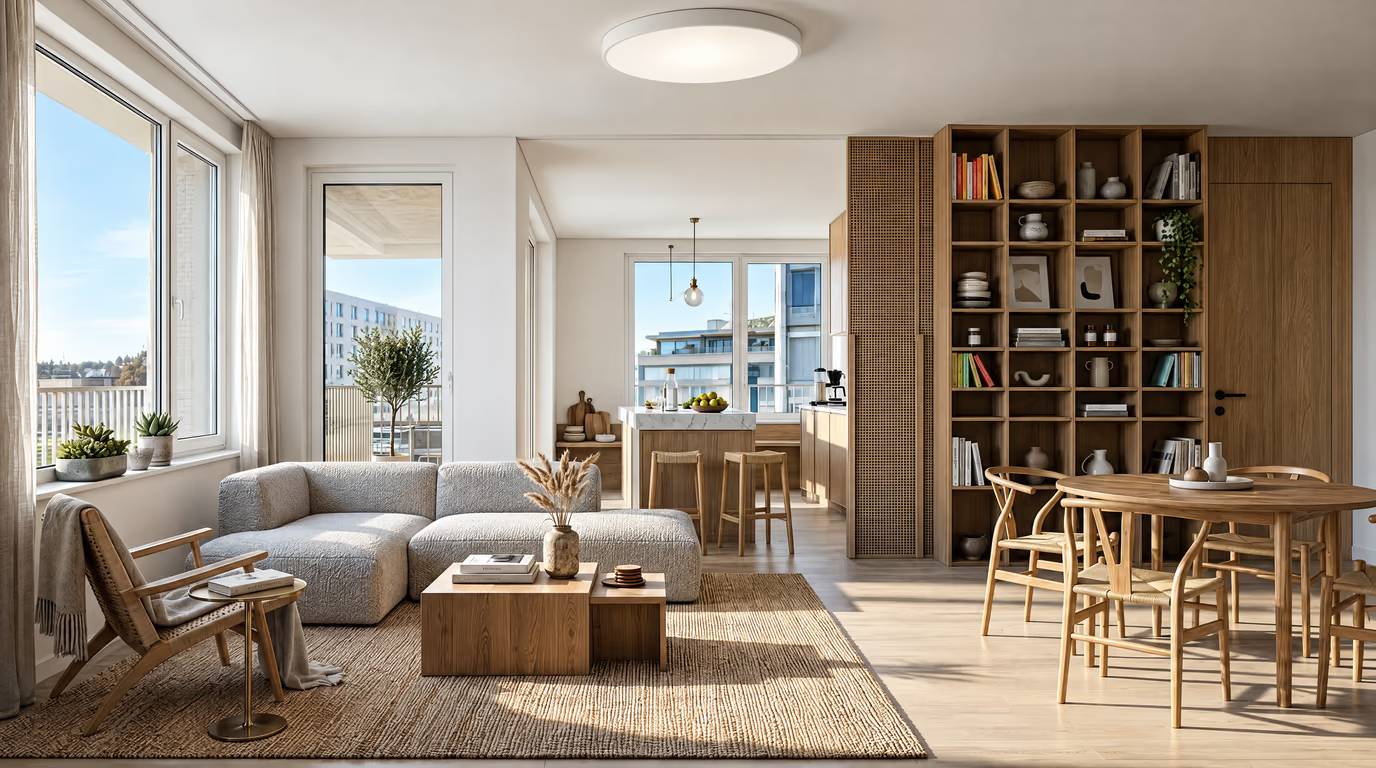
Modern
Clean lines, a neutral base and purposeful contrast. The safe pick that makes almost any room look considered.
A makeover is the full before-and-after: same room, new everything removable. Upload the “before” and get a photorealistic “after” in about 20 seconds — then drag the slider to check exactly what changed. Use it to commit to a direction before you spend on paint, rugs or furniture.
Make over your room now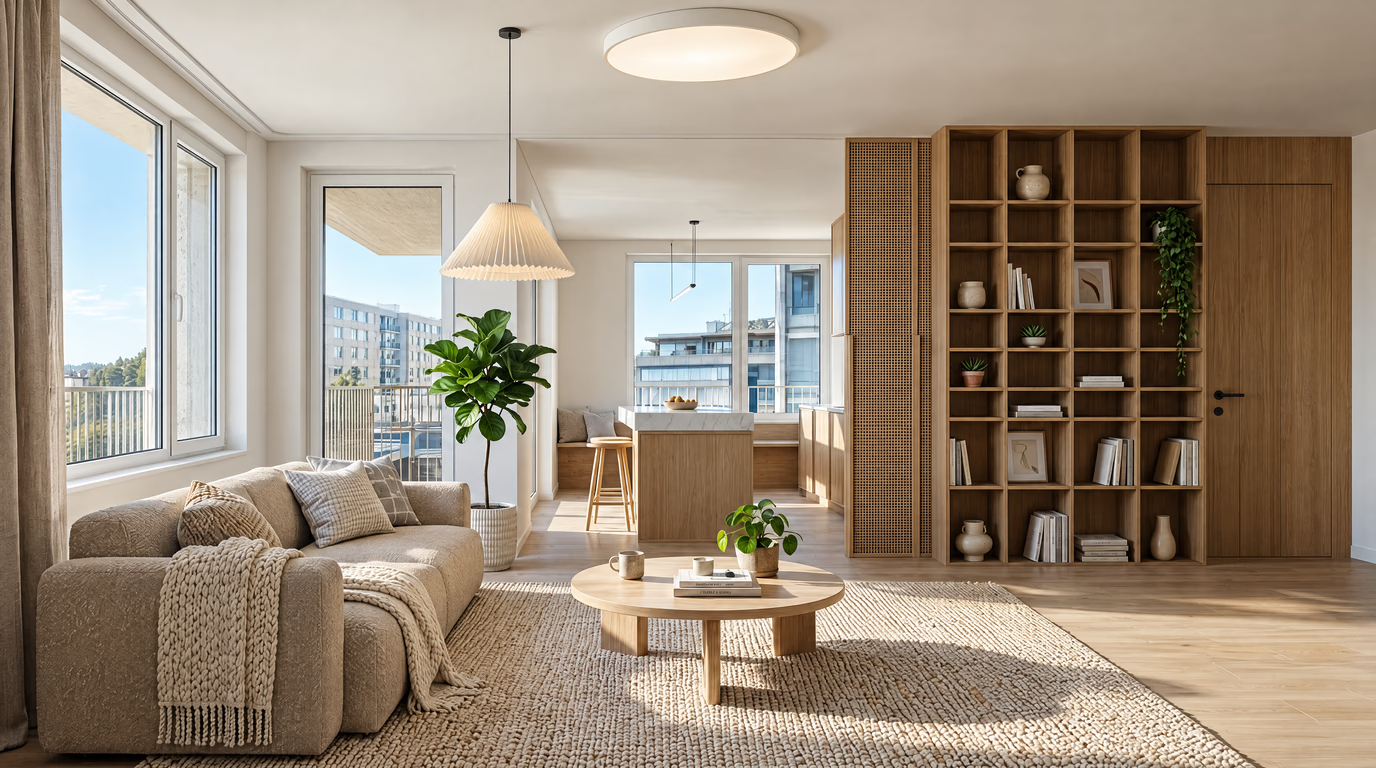
One shot from the doorway in daylight is enough — no staging, no cleaning first.
Choose one of eight curated styles, or describe what you want in your own words.
In about 20 seconds you get a photorealistic redesign of your room that keeps its real walls and windows.
Clean lines, a neutral base and purposeful contrast. The safe pick that makes almost any room look considered.
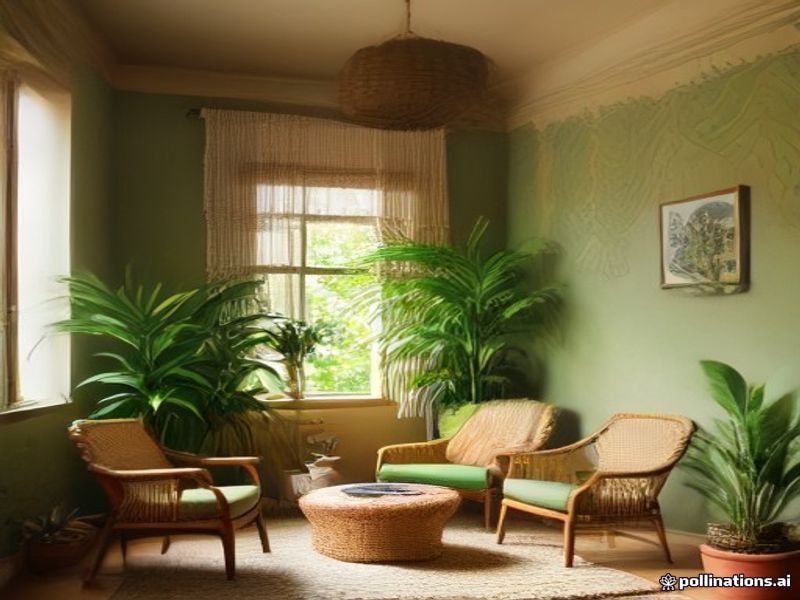
Layered rugs, plants, warm color and collected pieces. Personality-first, made for living rooms.
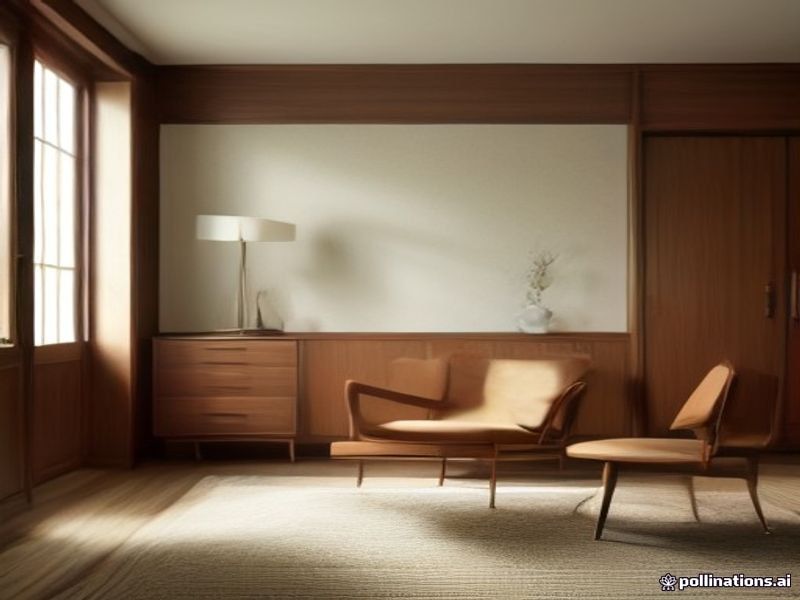
Tapered legs, warm walnut and organic curves. Timeless in bedrooms and dining rooms.
Your room keeps its real walls, windows and proportions; everything a decorator could restyle overnight gets a new look — furniture, textiles, colors, materials and lighting.
Shoot the “before” straight on — the after frames the same way.
Generate the same photo in 2–3 styles before deciding.
Save the results; the before/after slider is your decision record.
A makeover moves no walls: plumbing stays, kitchen runs stay, windows stay. What changes is everything your eye touches — wall colour, textiles, lighting, large furniture, styling. That is enough to make a room feel new, which is exactly why it is worth doing before any renovation.
Run it in sequence and the weekend is enough: day one, declutter and deep-clean (a half-empty room already looks twice as good); day two, paint the single wall that bothers you most; day two evening, rehang curtains higher and wider than the window. Only then buy — large pieces first, textiles second, styling last, on a 60/25/15 budget split.
The point of a photo-first makeover is deciding direction cheaply: generate three styles, live with them on screen for a day, and commit to one. Common mistakes: buying accent pieces before the big furniture is settled, repainting the whole room when one wall carries 80% of the problem, and skipping the declutter because it feels like it is not “design”.
New here? See every room and style with AI room designon the homepage.
Open the studio, upload your photo — the first design on a free account costs nothing.
Make over your room now