
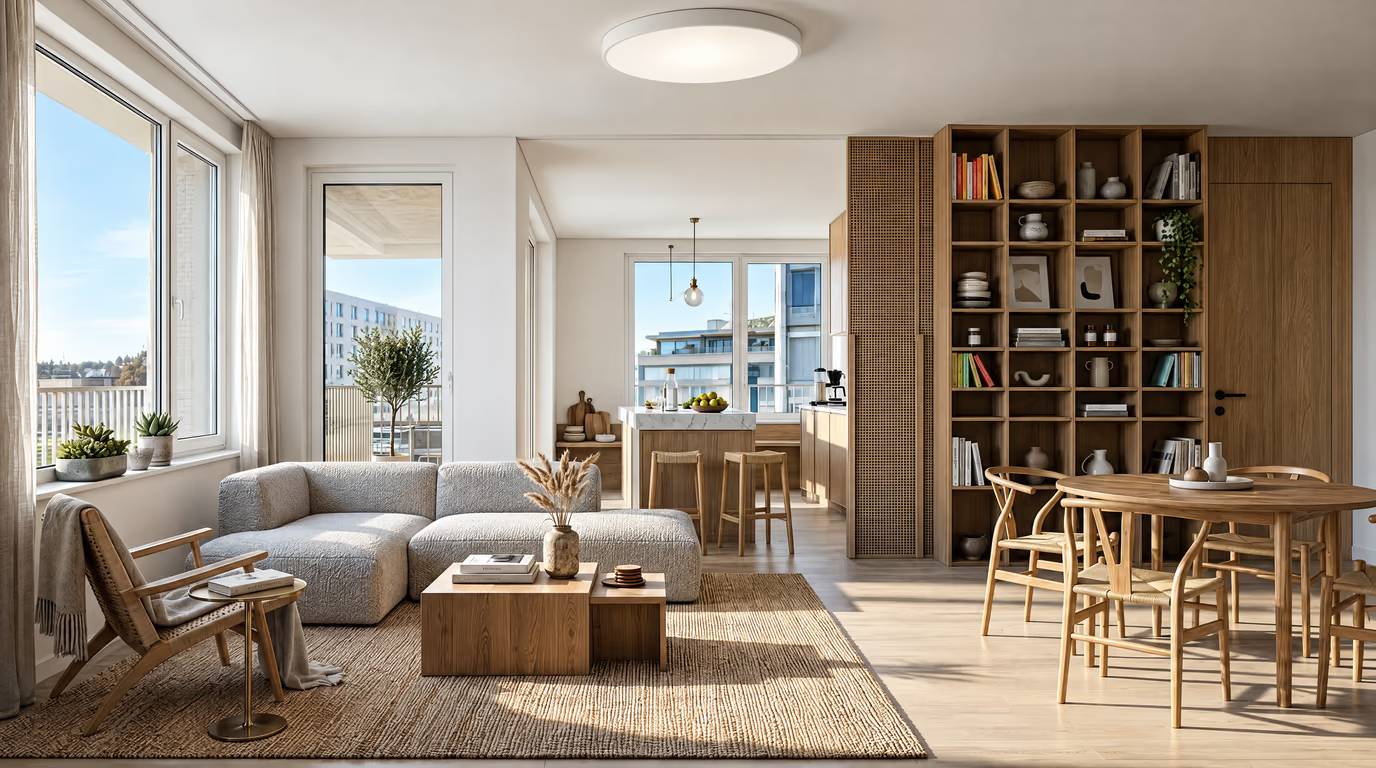
Modern
Clean lines, a neutral base and purposeful contrast. The safe pick that makes almost any room look considered.
AI-powered home design
Upload a photo of your room and get a photorealistic AI design in about 20 seconds. Pick from eight curated styles — Modern, Scandinavian, Japandi, Industrial and more — and the AI redesigns your space while keeping your real walls, windows and lighting intact. Your first design is free after sign-up; credits from $5 for clean downloads.
Room type
Style
Your first design is free with a free account · Further generations are charged in credits · Your photo is only sent for generation
Real before-and-after results
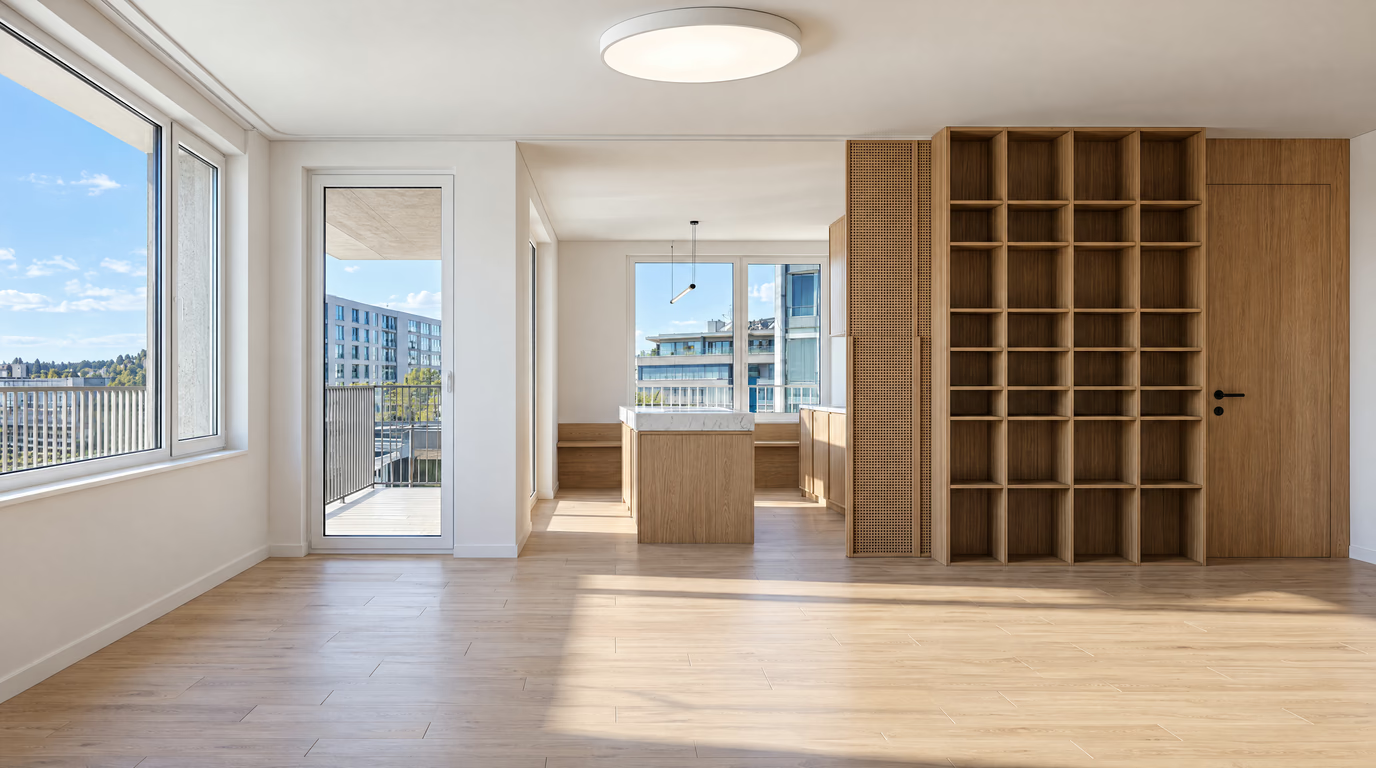
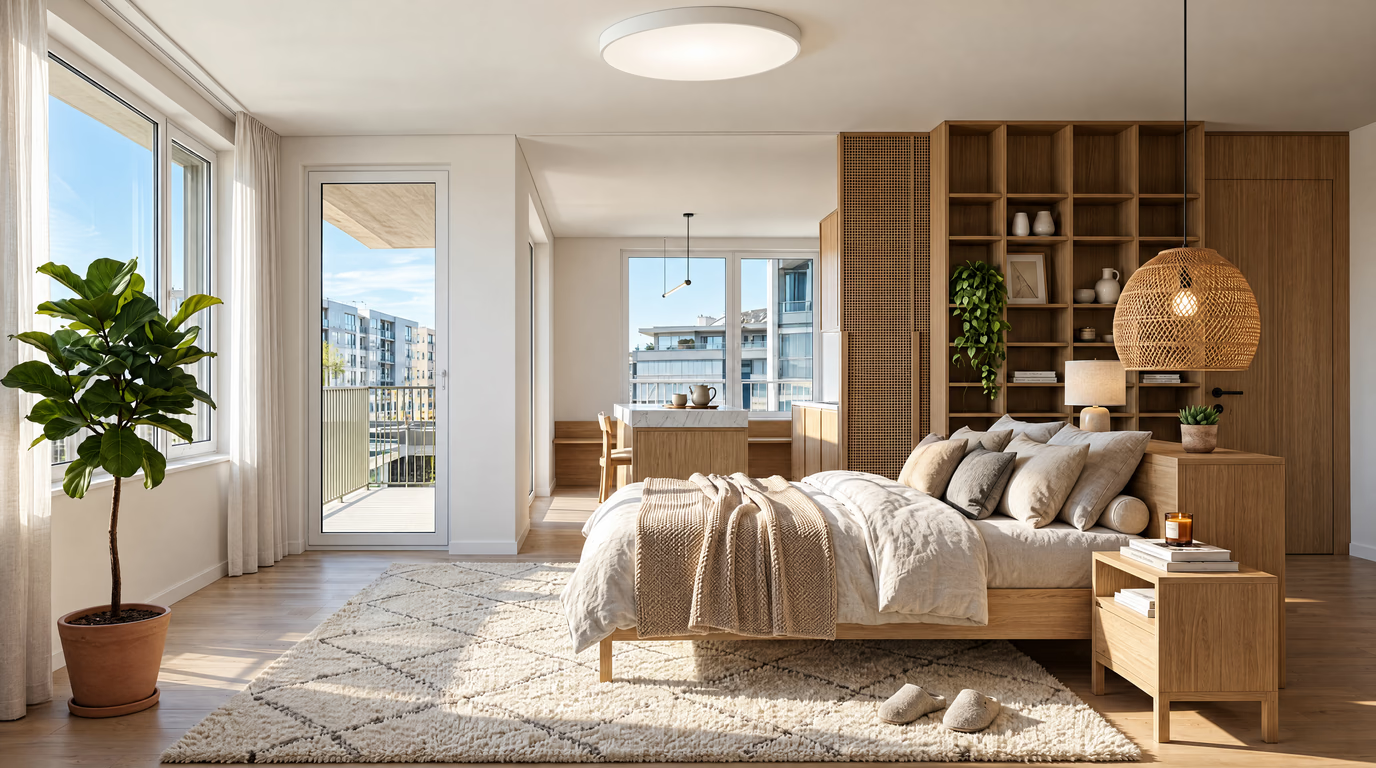
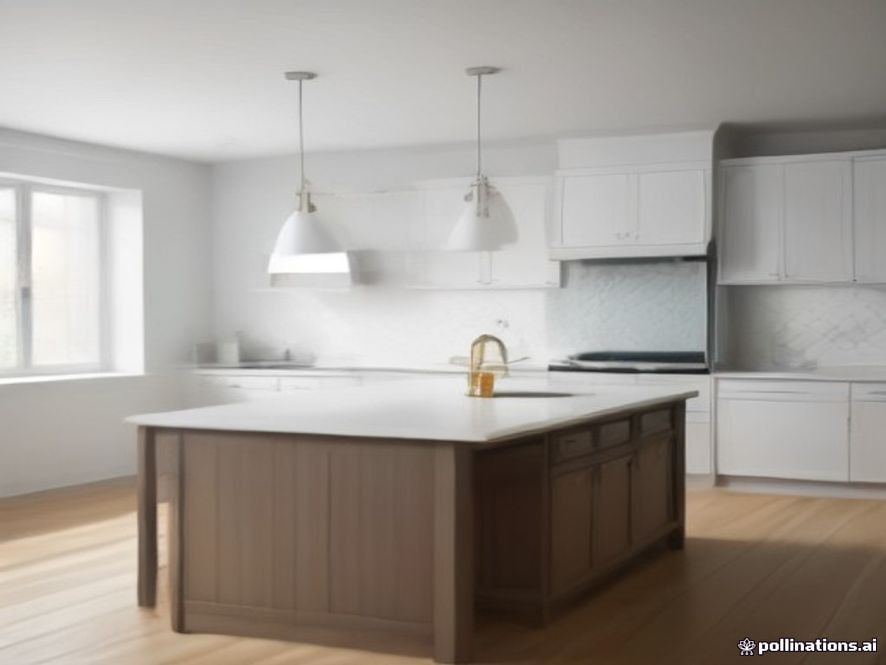
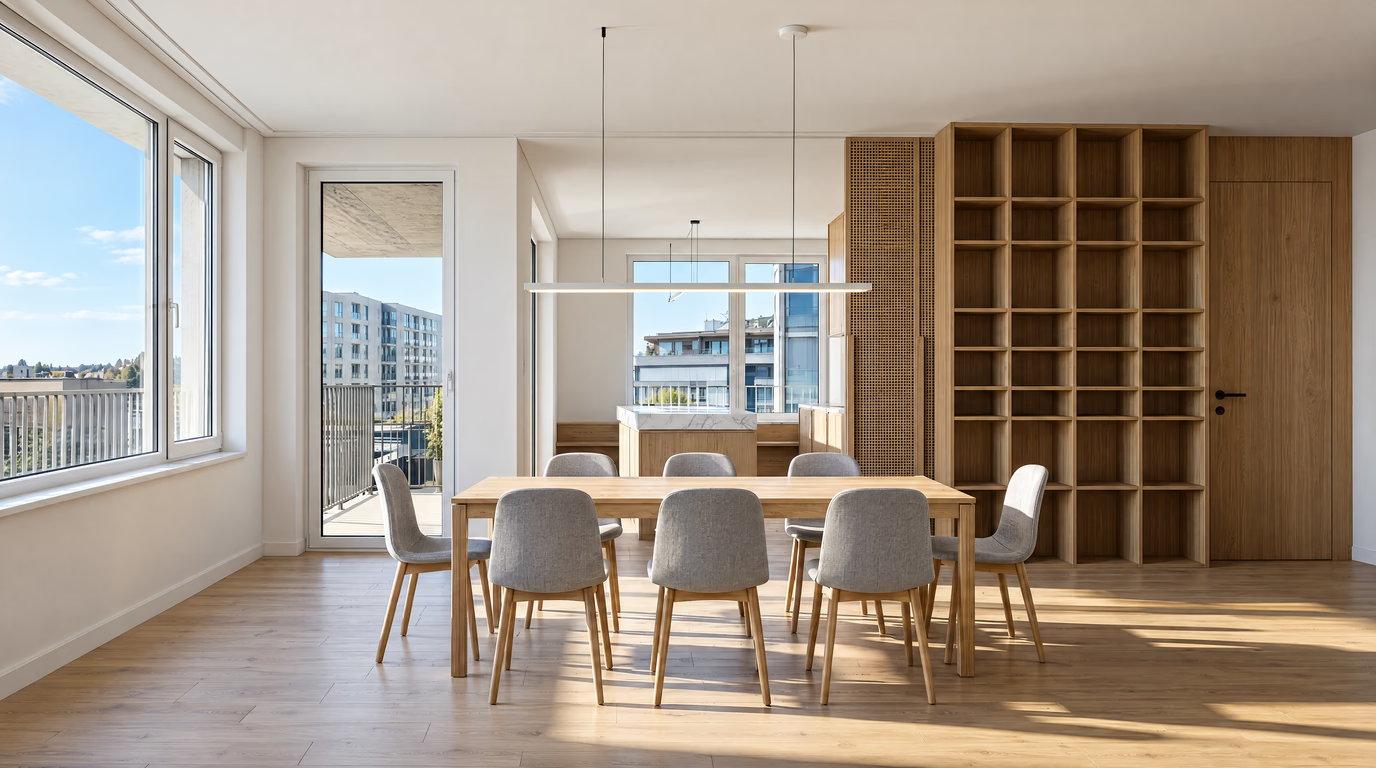
Every image here started as a single photo — drag the slider in the gallery below
No technical skills or architecture background required. Upload, choose, generate — that's the whole workflow.
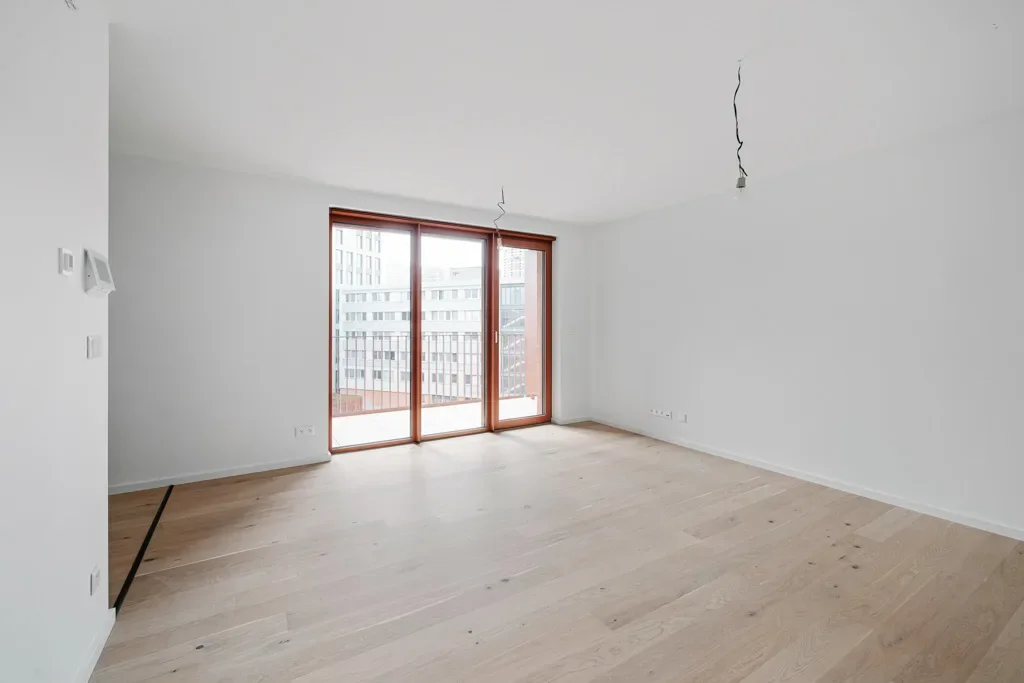
01
Snap a photo with your phone or use an existing shot — an empty room, a furnished room or a listing photo. We accept JPG, PNG, WEBP and HEIC up to 10MB. The AI reads your room’s dimensions, wall positions and light sources from that single image.
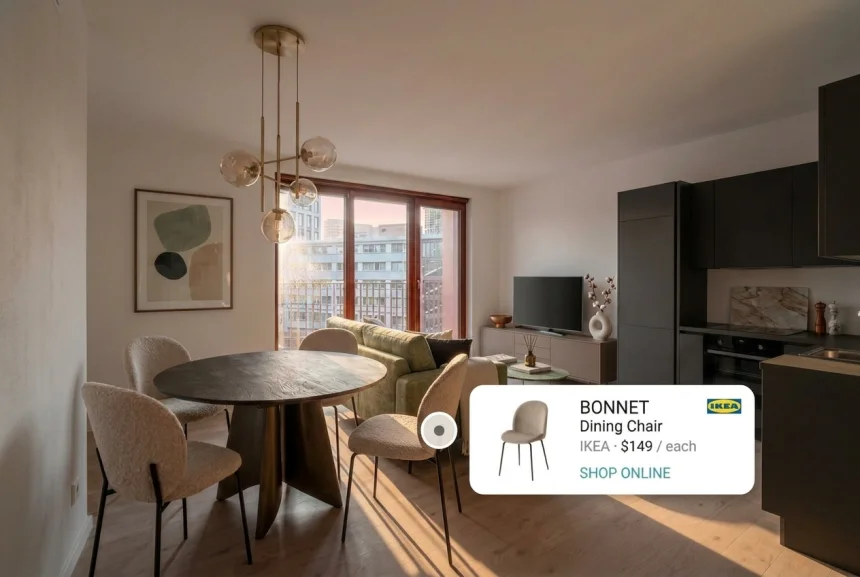
02
Tell the AI room designer what you are working on — living room, bedroom, kitchen, bathroom, dining room, home office, kids room, basement, attic or study — then choose one of eight curated styles: Modern, Minimalist, Scandinavian, Japandi, Industrial, Bohemian, Coastal or Mid-century Modern. You can also type your own instruction, like “keep the sofa but make the walls warm oak”.
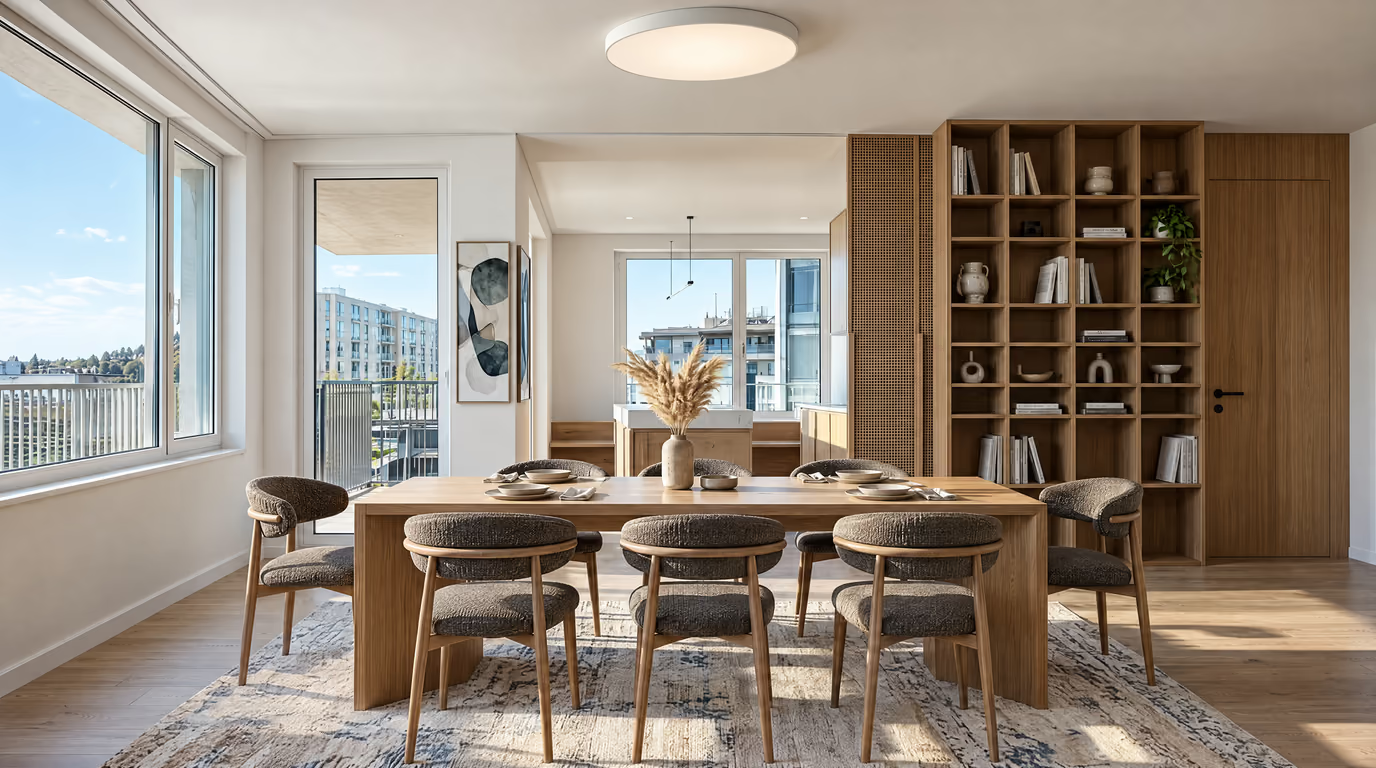
03
Hit Generate and get a photorealistic redesign in about 20 seconds. Download the result and use the before/after slider to see exactly what changed in your room.
Most AI image tools redraw a random room. This one starts from your photo: walls, windows, doors and the camera angle stay where they are, while furniture, finishes, colours and lighting are redesigned. That is the difference between a pretty picture and a design you can actually build.
The engine renders light, shadow, fabric texture and material reflections — so you can judge a paint colour or a cabinet finish before spending money on either.
Nothing to install, nothing to update. Open Redocor AI on your phone or laptop, upload a photo, and design on the spot — in a showroom, in a rental viewing, or standing in the room you are about to renovate.
A redesign you can trust starts with knowing exactly what will move. Nothing structural ever does.
Every image below was generated from a single photo. Drag the slider to see the before and after.
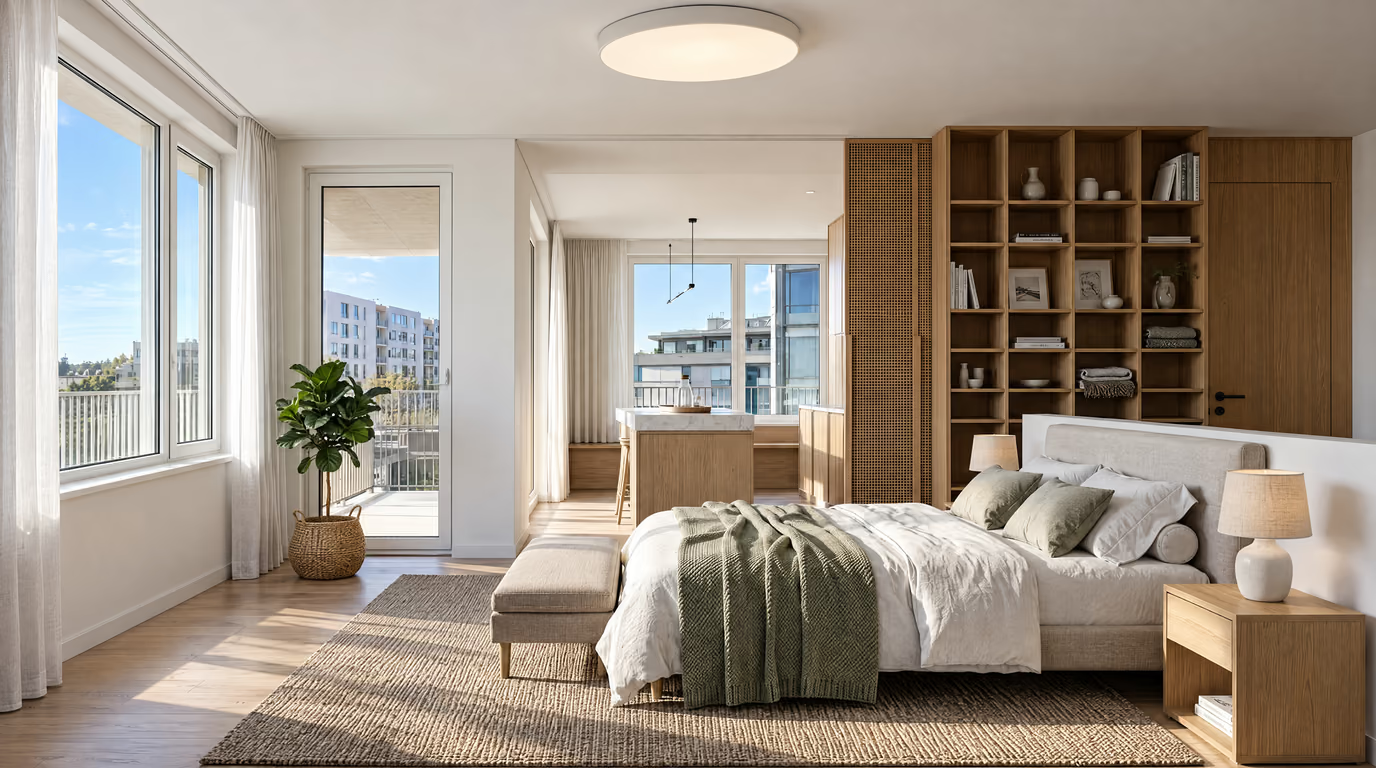
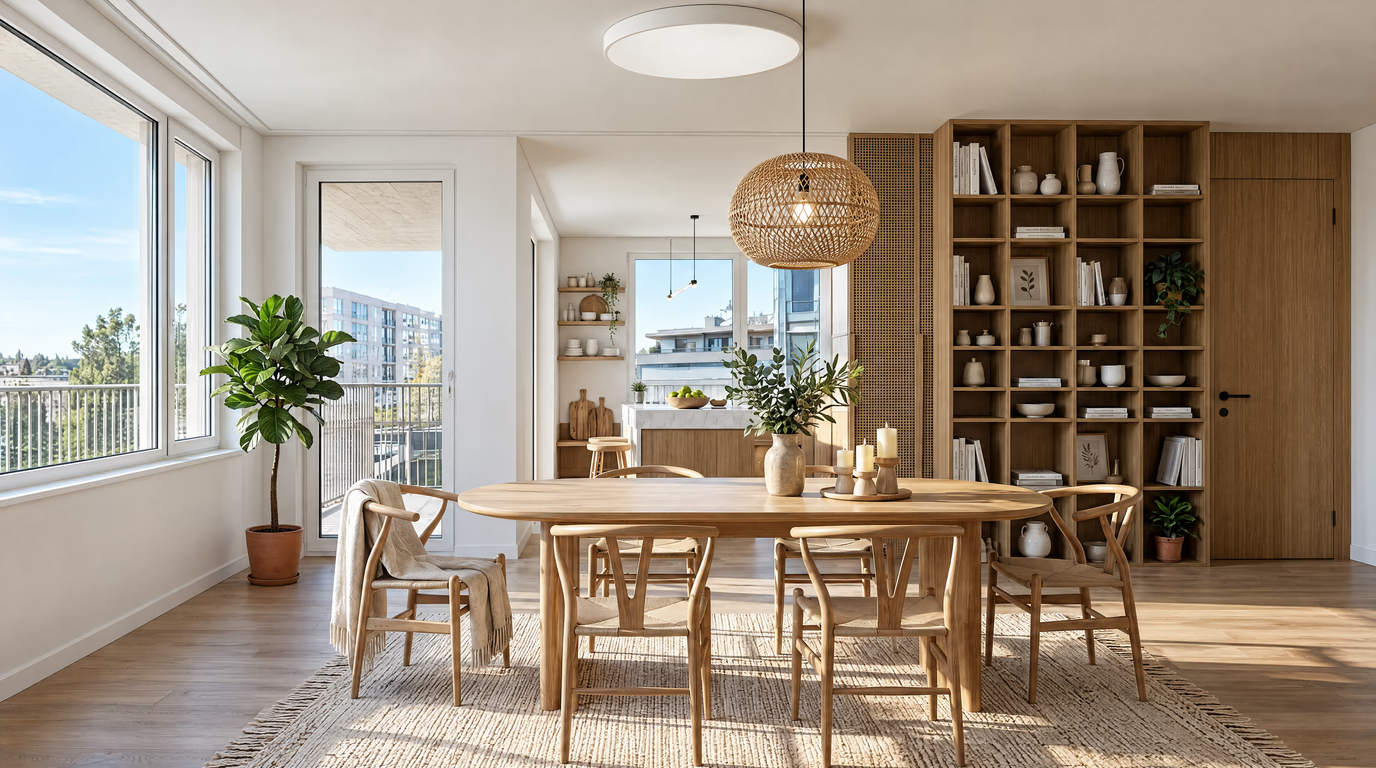
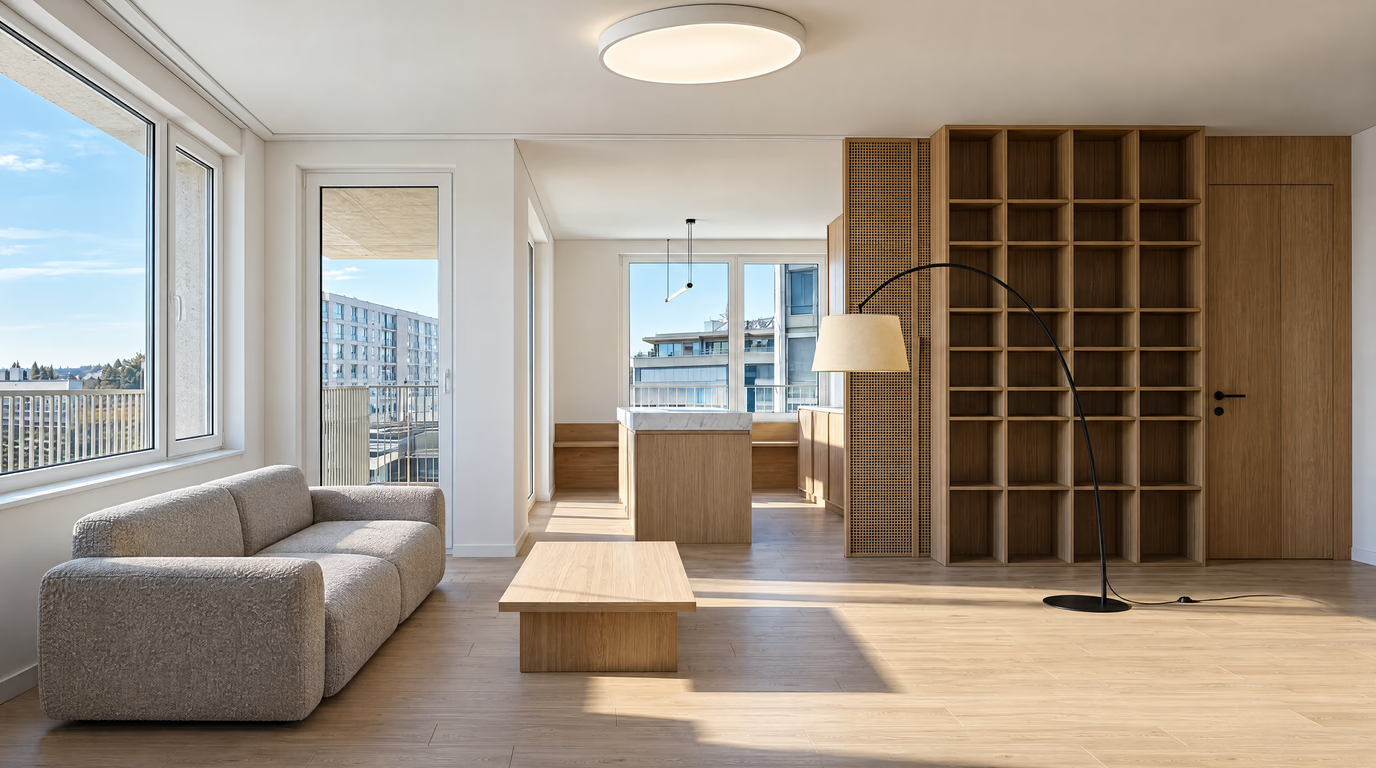
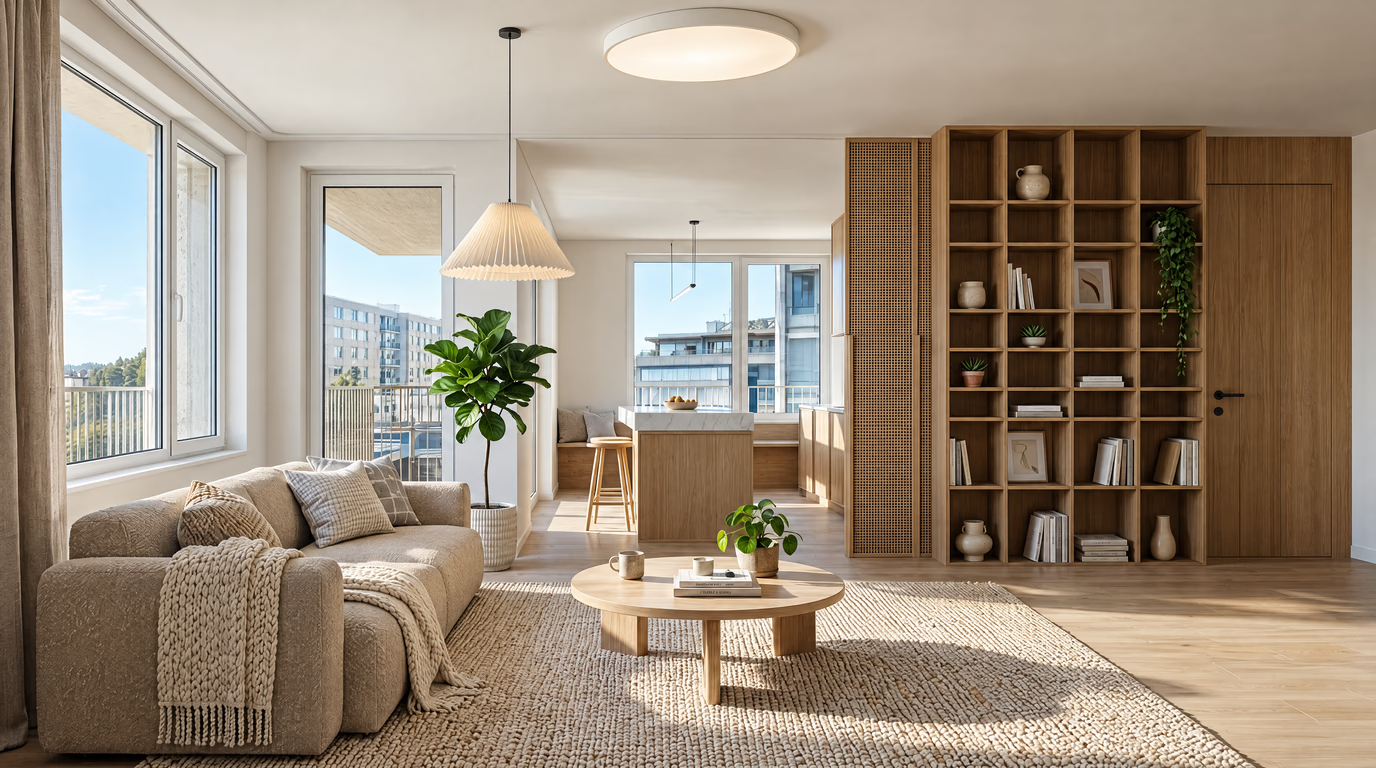
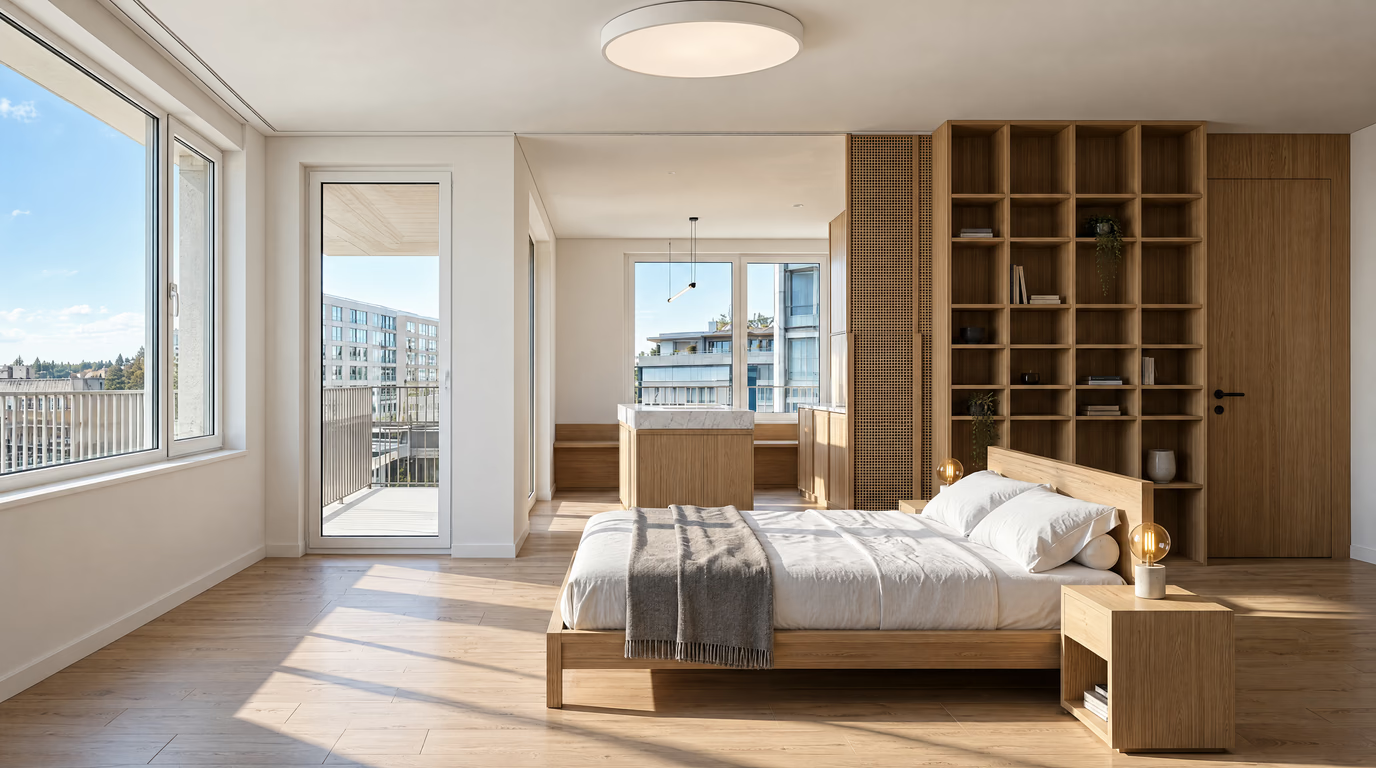
Every style below is one tap away in the studio. Here is when to pick each one.
Clean lines, a neutral base and purposeful contrast. The safe pick that makes almost any room look considered.
Less, but better. Hidden storage, clear surfaces and breathing room — the style small rooms want.
Light woods, white walls and cozy textiles. Maximizes daylight — ideal for north-facing rooms.
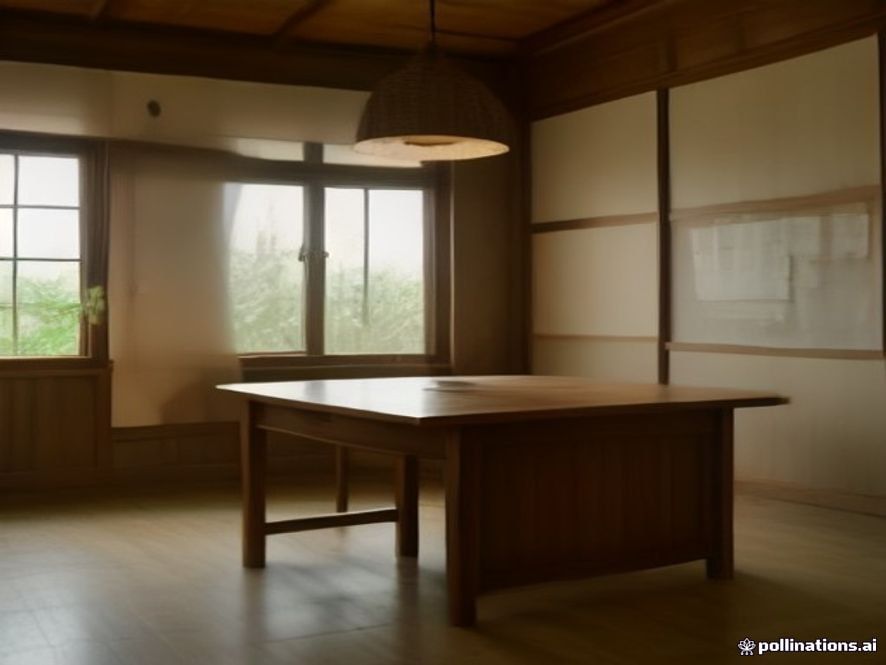
Scandinavian calm meets Japanese restraint. Low furniture, natural textures and warm neutrals.
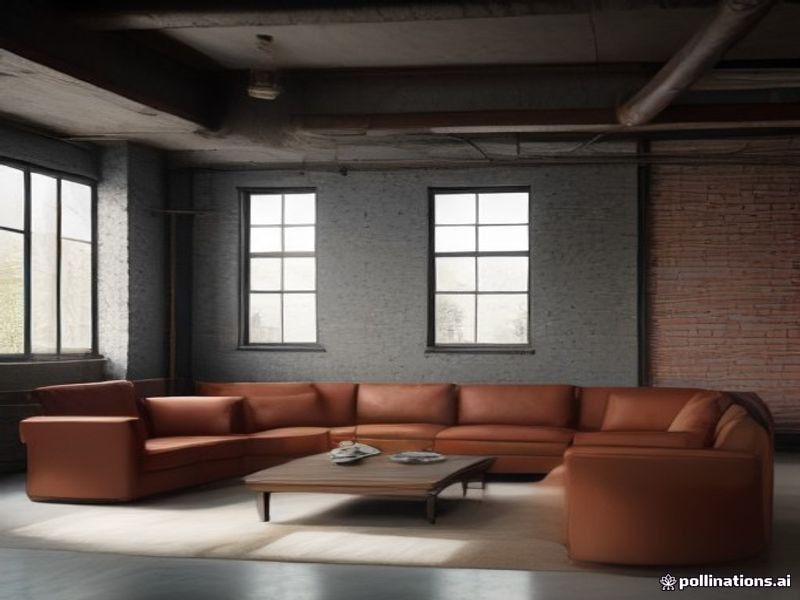
Exposed texture, dark metals, leather and concrete tones. Built for lofts and large open spaces.
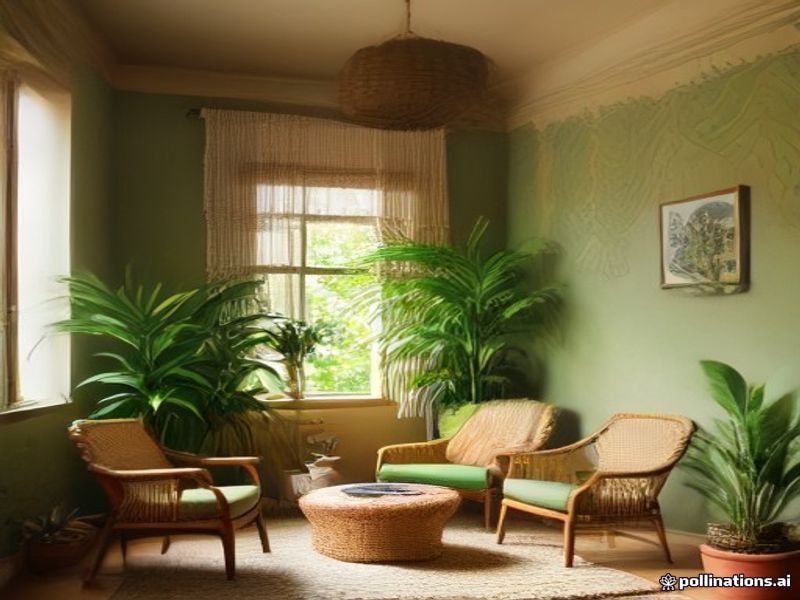
Layered rugs, plants, warm color and collected pieces. Personality-first, made for living rooms.
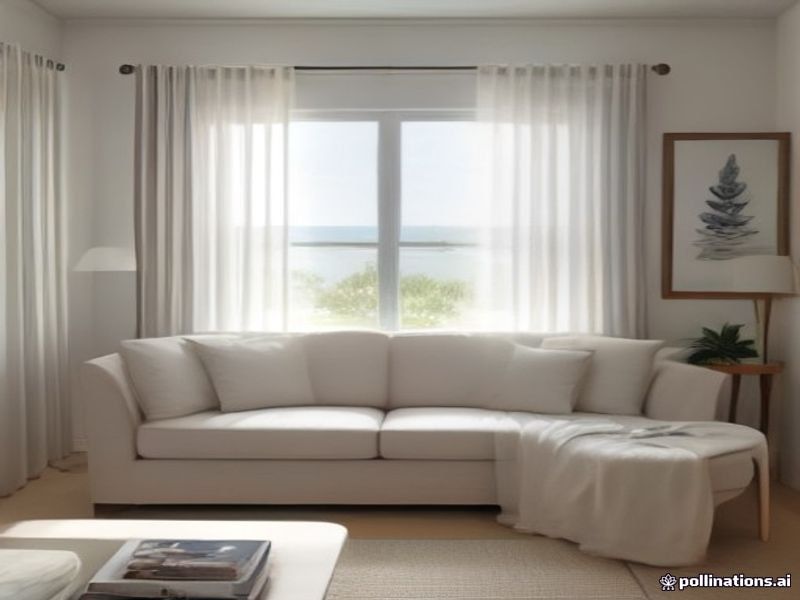
Whites, blues, rattan and breezy linen. Brings the feeling of daylight into city apartments.
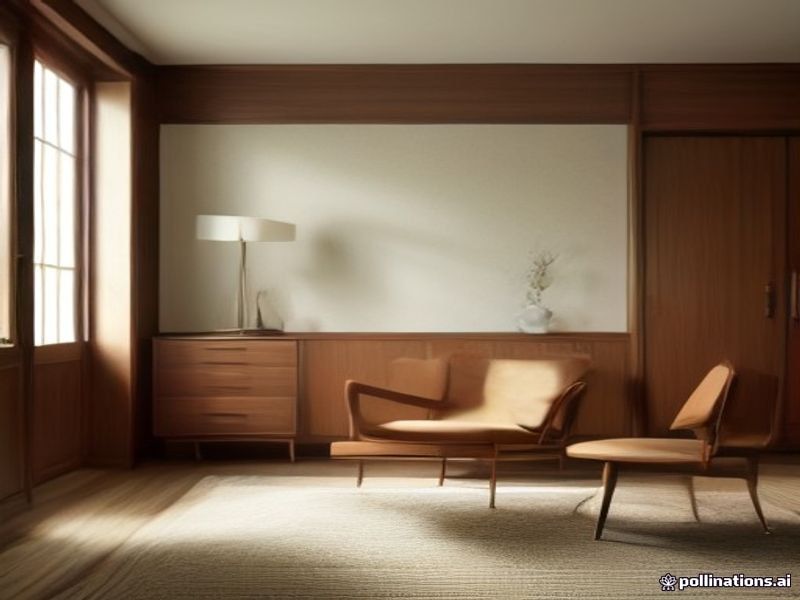
Tapered legs, warm walnut and organic curves. Timeless in bedrooms and dining rooms.
Your account's first design is free — after that, choose a package, and spend credits only when you generate:
Pick one-time credits for occasional projects, or save with a monthly or yearly package.
Buy credits once, or choose a monthly or yearly package for ongoing room designs.
$0— one design, on us
Need watermark-free downloads, full-resolution images or commercial rights? Any paid plan unlocks them — credits start at $5.
Hobby
For trying out your first redesigns.
Designer
For homeowners who want options.
Studio
For studios and professionals.
Use the AI room design first, decide on a direction, then spend designer money only on the parts that need a human.
| AI Room Design (this tool) | Interior Designer | |
|---|---|---|
| Time to first concept | 20 seconds | 1–3 weeks |
| Cost to start | First design free — credits from $5 | $200–$2,000 per room |
| Number of concepts | As many as your credit balance allows | 1–3 |
| Revisions | Regenerate instantly | Billed hourly |
| Changes your real layout | Keeps walls and windows, redesigns everything else | Yes, structural |
| Best for | Visualizing ideas, comparing styles, staging | Structural work, custom joinery, sourcing |
Every room has a different set of constraints, so each one gets its own walkthrough.
test three kitchen layouts before ordering a single cabinet
see how furniture, rugs and lighting change a space you don’t own
virtual staging from existing listing photos, without paying for physical staging
a fast first-pass moodboard for the client pitch
check whether that sofa works in your actual living room before you buy it
Everything you need to know about redesigning your home with AI.
Upload one photo, choose a style, and generate a photorealistic redesign in about 20 seconds. Sign in and use credits when you are ready.